
Renity - Ren'Py Visual Editor
A downloadable Tool for Windows
WHAT ARE YOU?
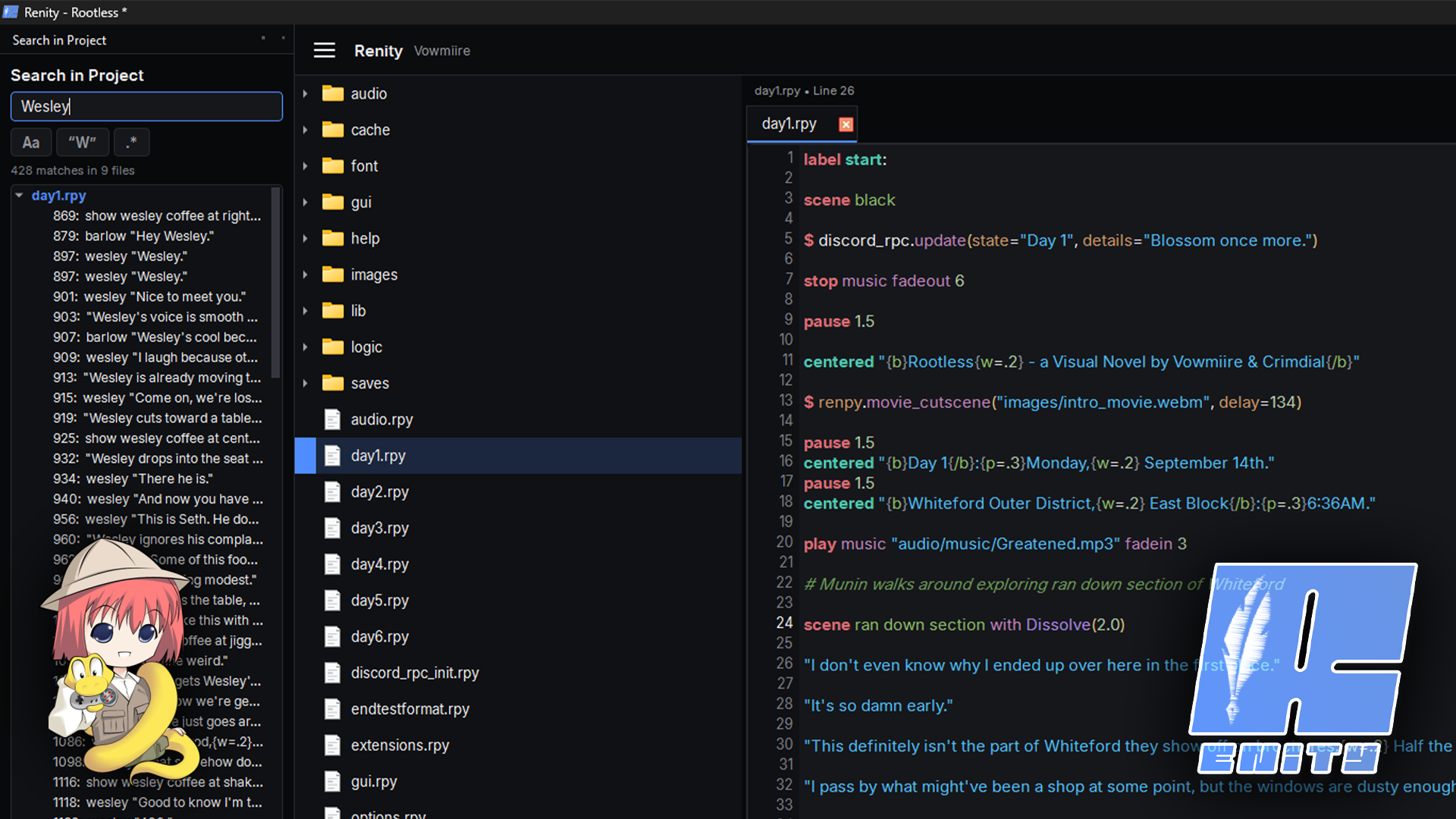
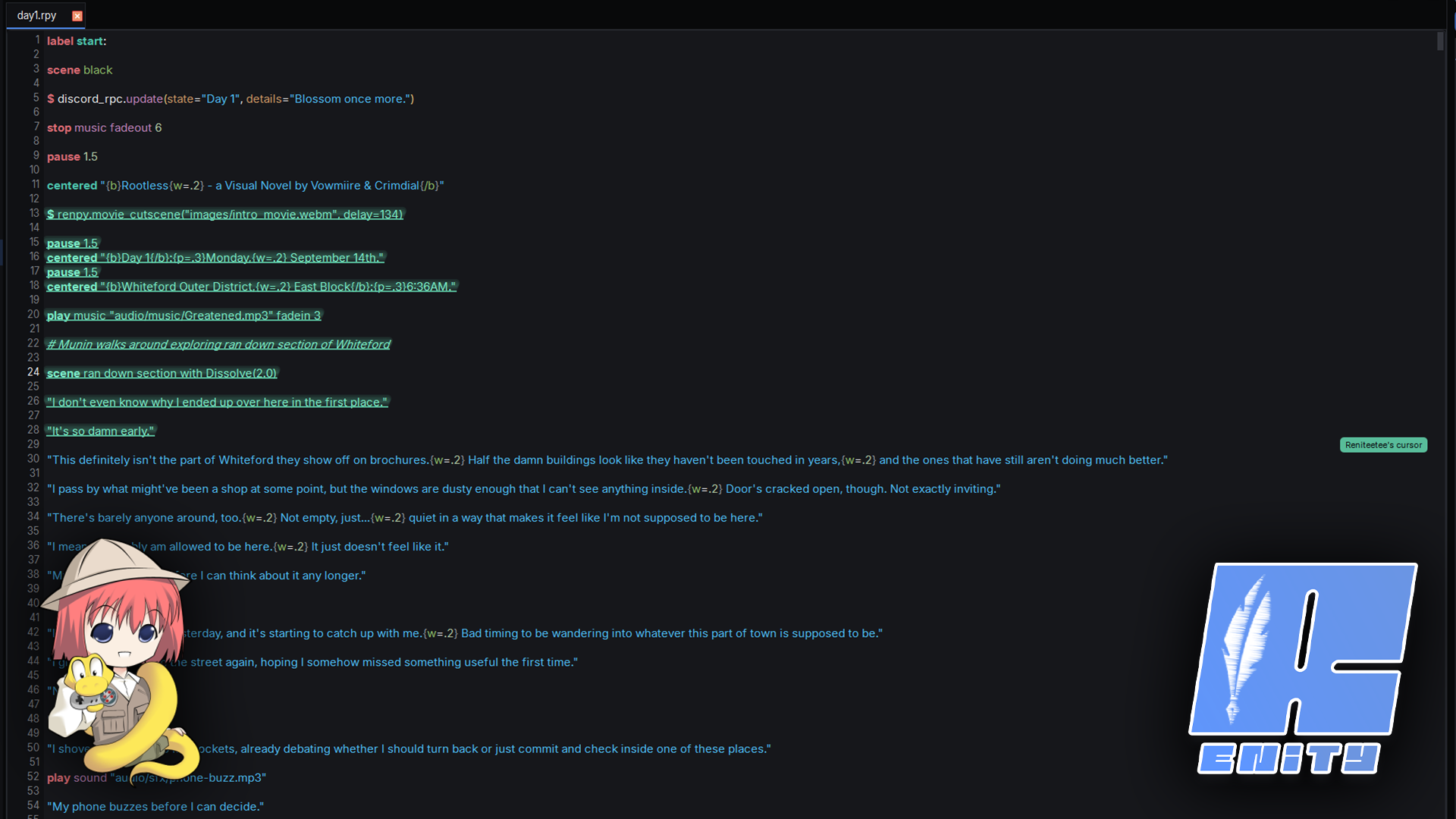
Renity is a visual editor built specifically for Ren'Py, designed to make creating and managing visual novel projects faster without hiding & parsing the code that makes Ren'Py flexible.
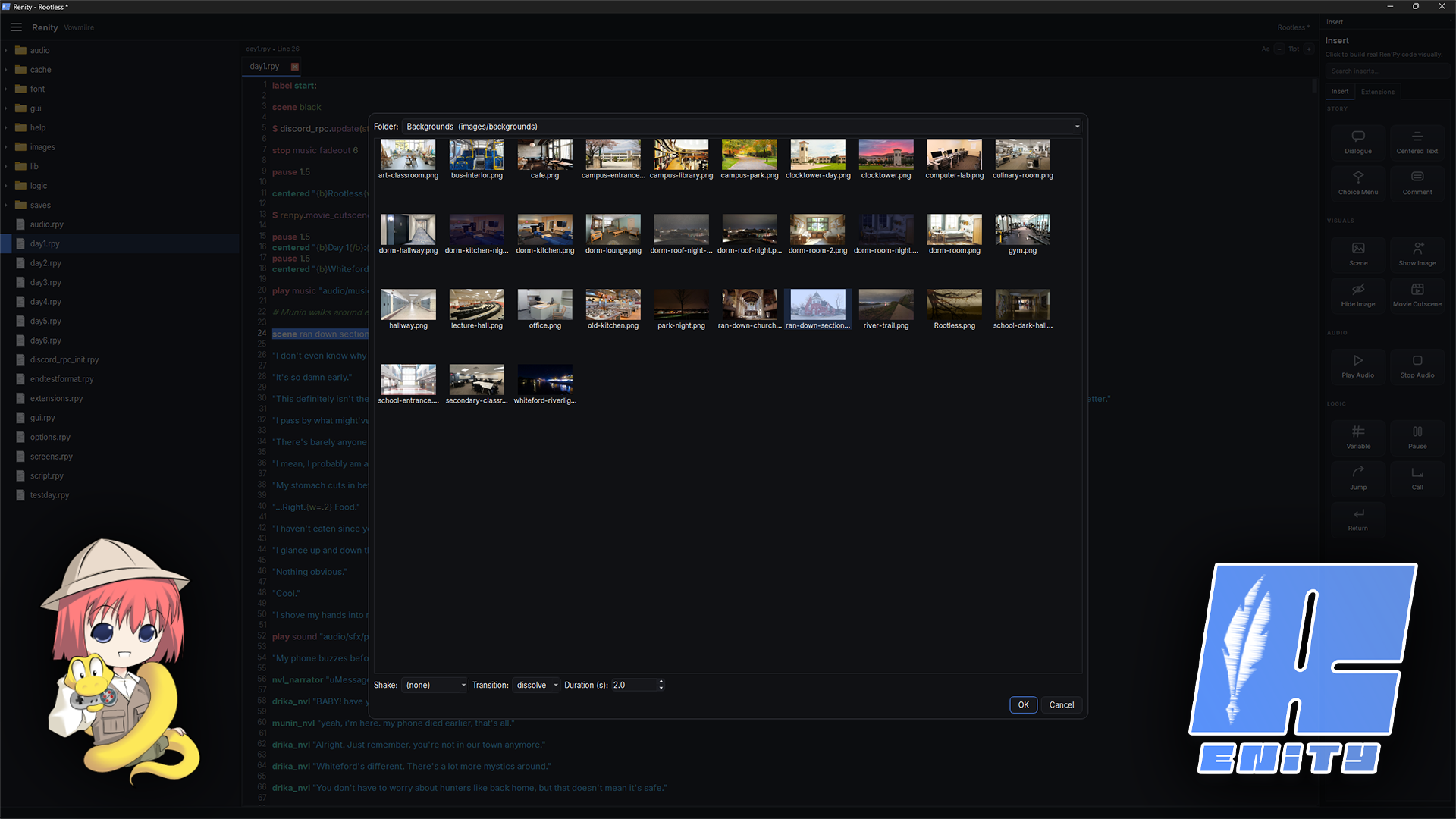
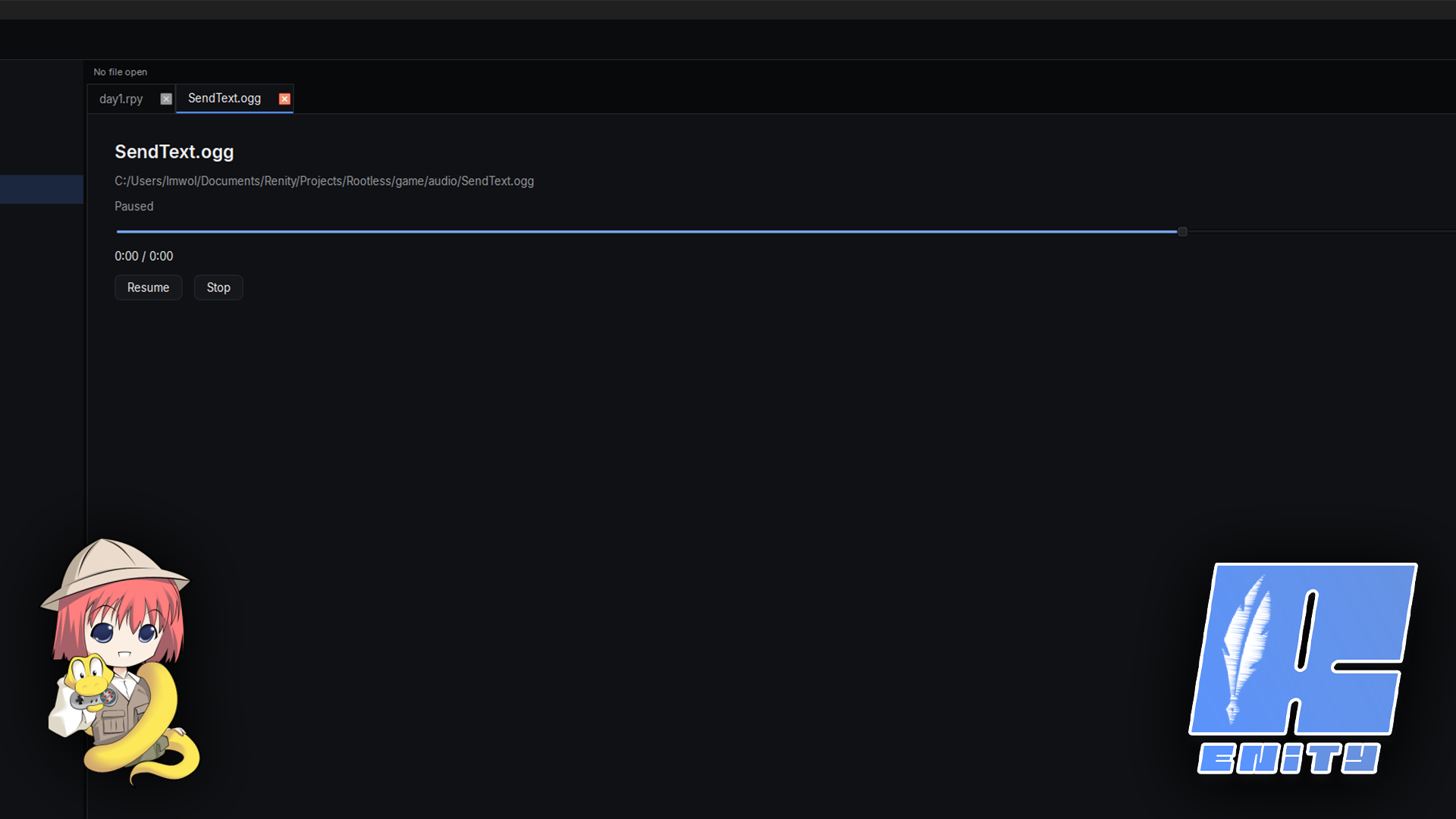
You can write and edit normal .rpy files, use visual tools to insert dialogue, scenes, audio, choices, transitions, and other common statements, preview images and audio directly in the editor, and run your project without constantly switching between different programs.
Renity works directly with standard Ren'Py projects, so you're never locked into a custom format.
WHAT'S RENITY SYNC?
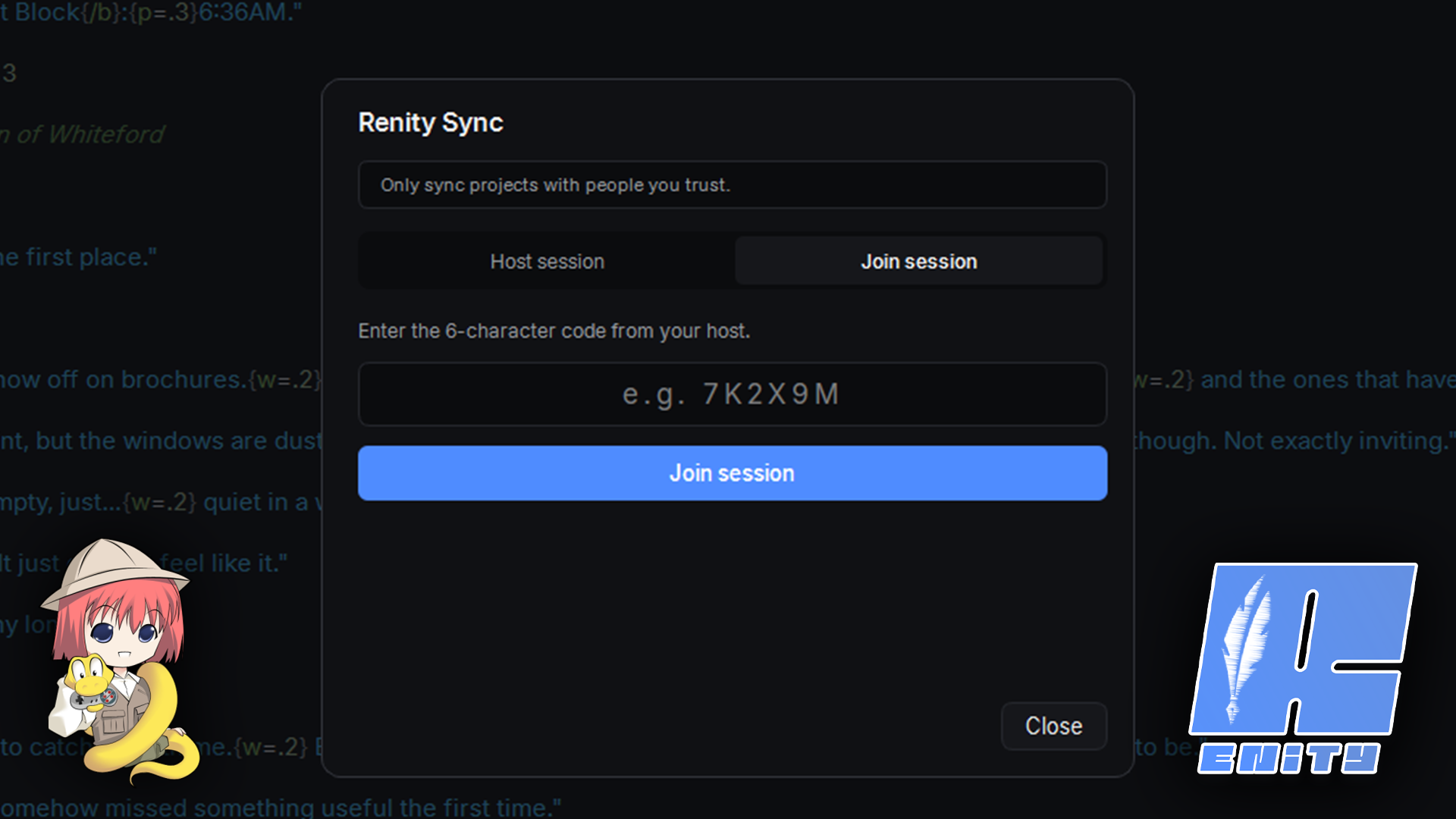
Renity also includes Renity Sync, a real time collaboration system that lets multiple people work on the same project together. Users can host or join with a session code, type in the same files at the same time, see each other's cursors, selections, focused files, and project activity, and keep file changes and renames sync'd automatically.
Renity is still in active development, so bugs and unfinished features are possible. Our bad!
Feedback, bug reports, and suggestions from other Ren'Py developers are suuuuper appreciated.
Built with Python, PySide6 (Qt 6), compiled with PyInstaller!
Download
Install instructions
1. Download the latest Windows build below.
2. Extract it if the download is packaged as an archive.
3. Launch Renity.
4. On first launch, configure your Renity workspace and username.
5. Create a project, import an existing Ren'Py project, or open one already stored in your Renity workspace.
Leave a comment
Log in with itch.io to leave a comment.